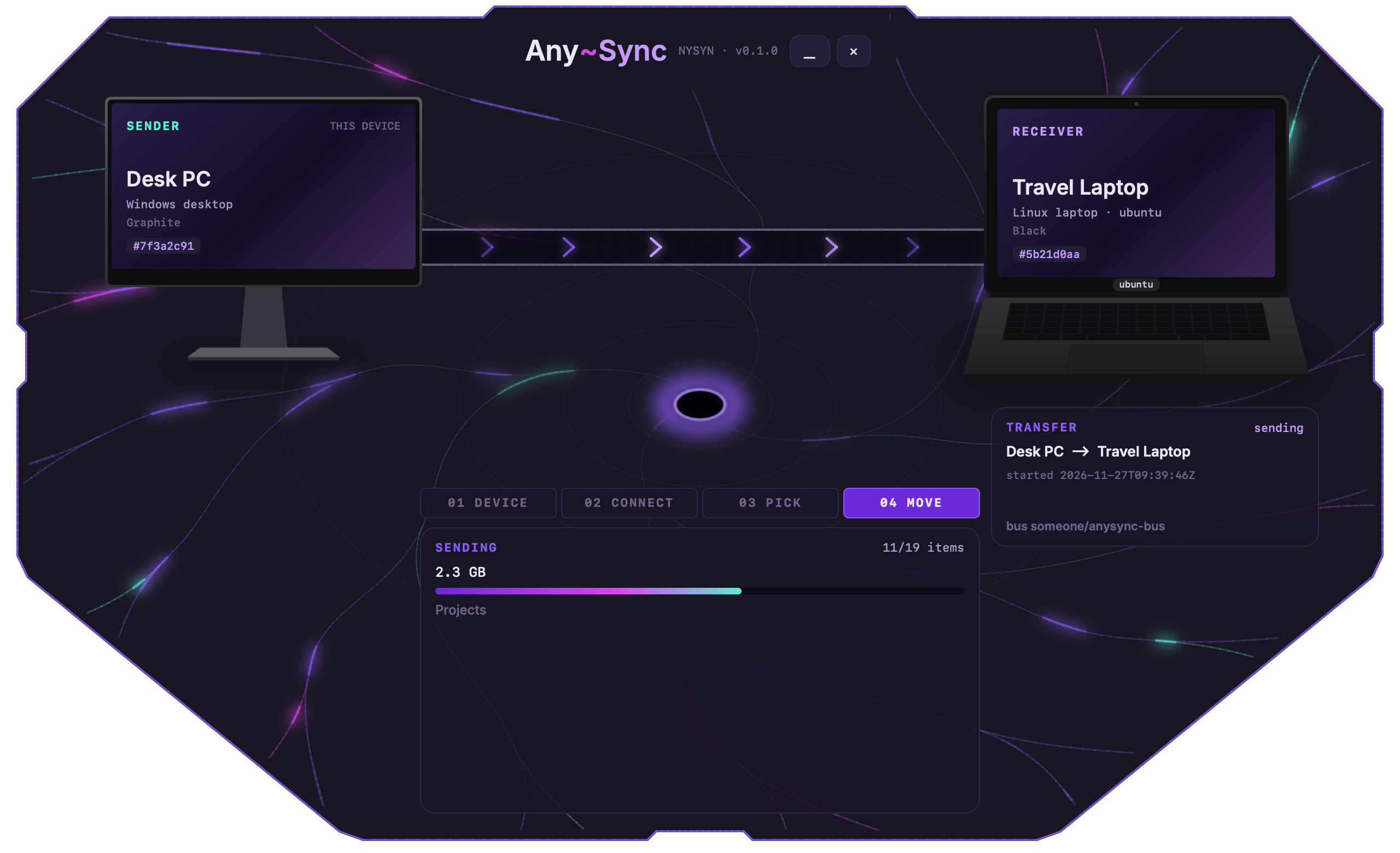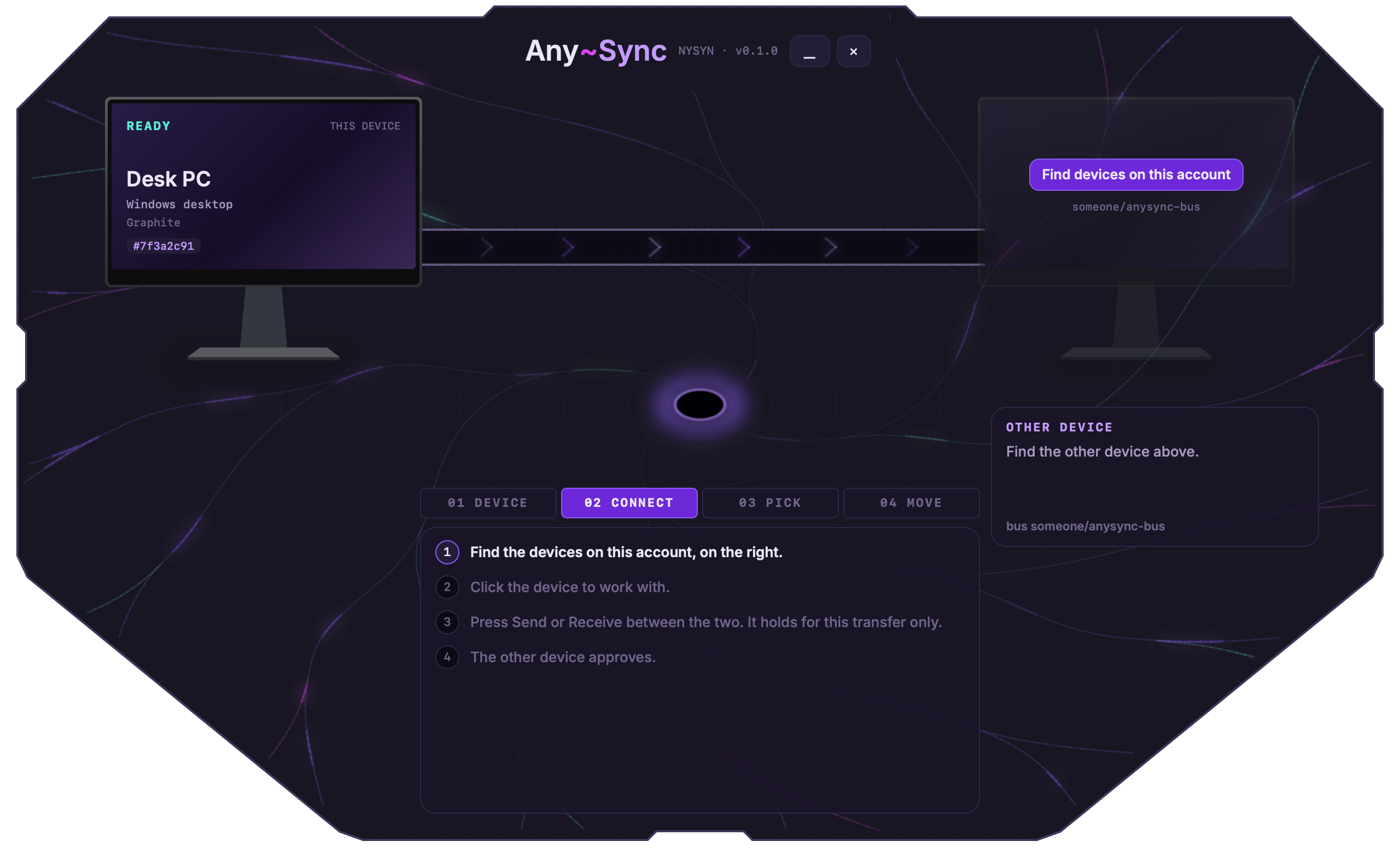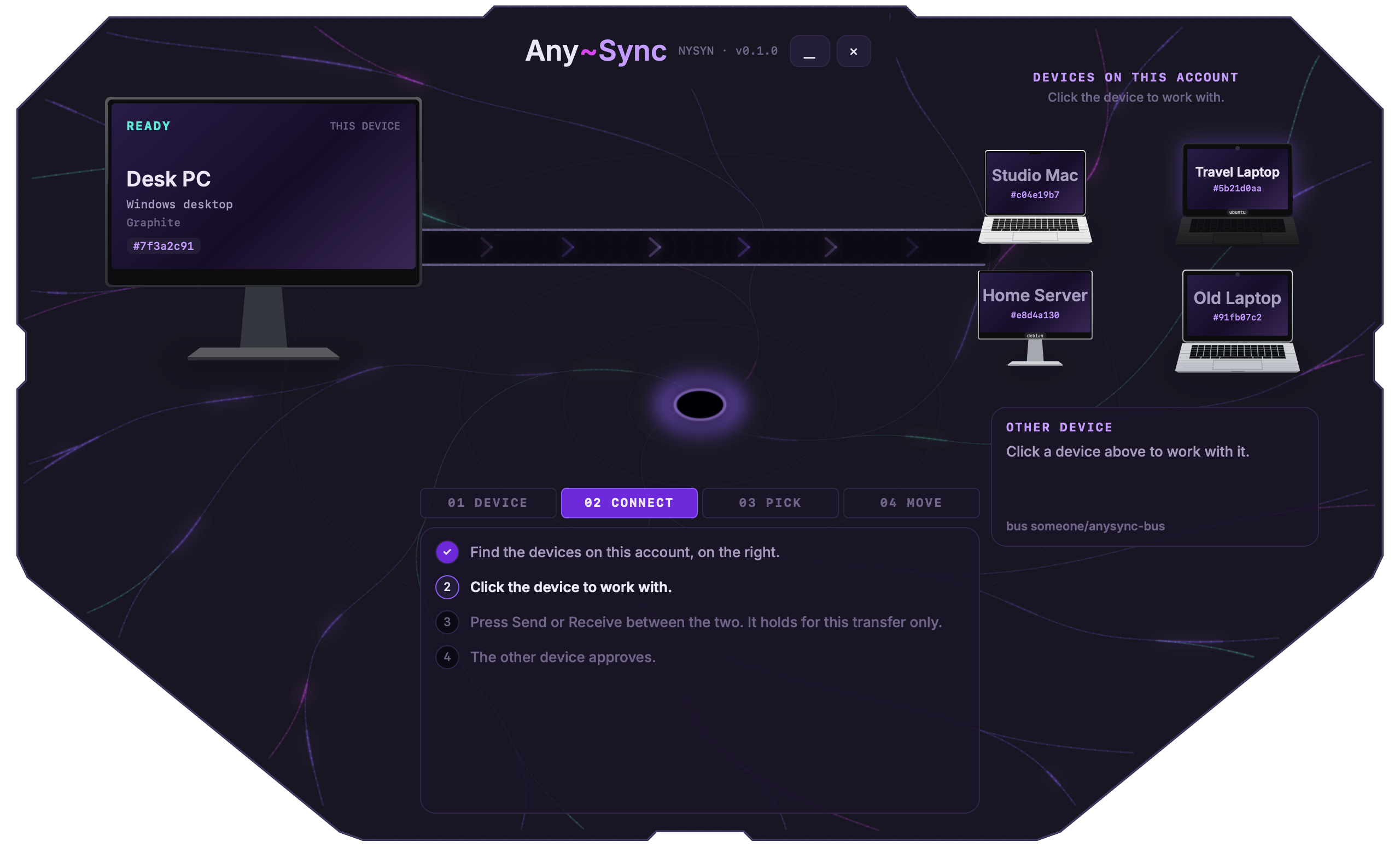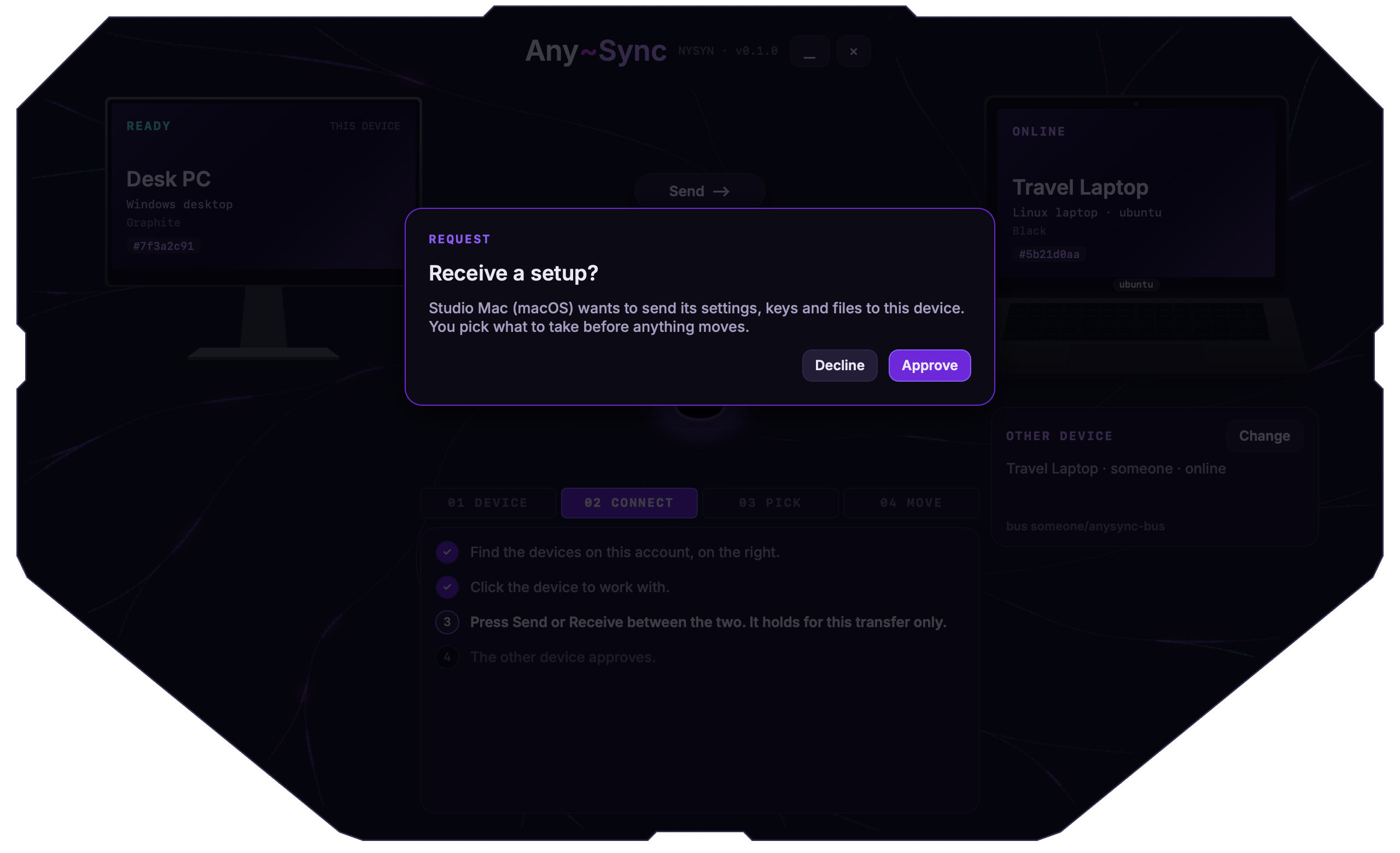
Any~Sync moves your editor settings, keys, dotfiles, folders and lists of installed tools from one computer to another, whichever of macOS, Windows and Linux each one runs. Files go straight device to device, end-to-end encrypted, and each item lands where the new system keeps it.

Your devices meet in a private GitHub repo of yours. The files never go there: they travel from one computer to the other, whichever systems the two run.
A Windows desktop hands its setup to a Linux laptop, a Mac to a PC, or any other pair.
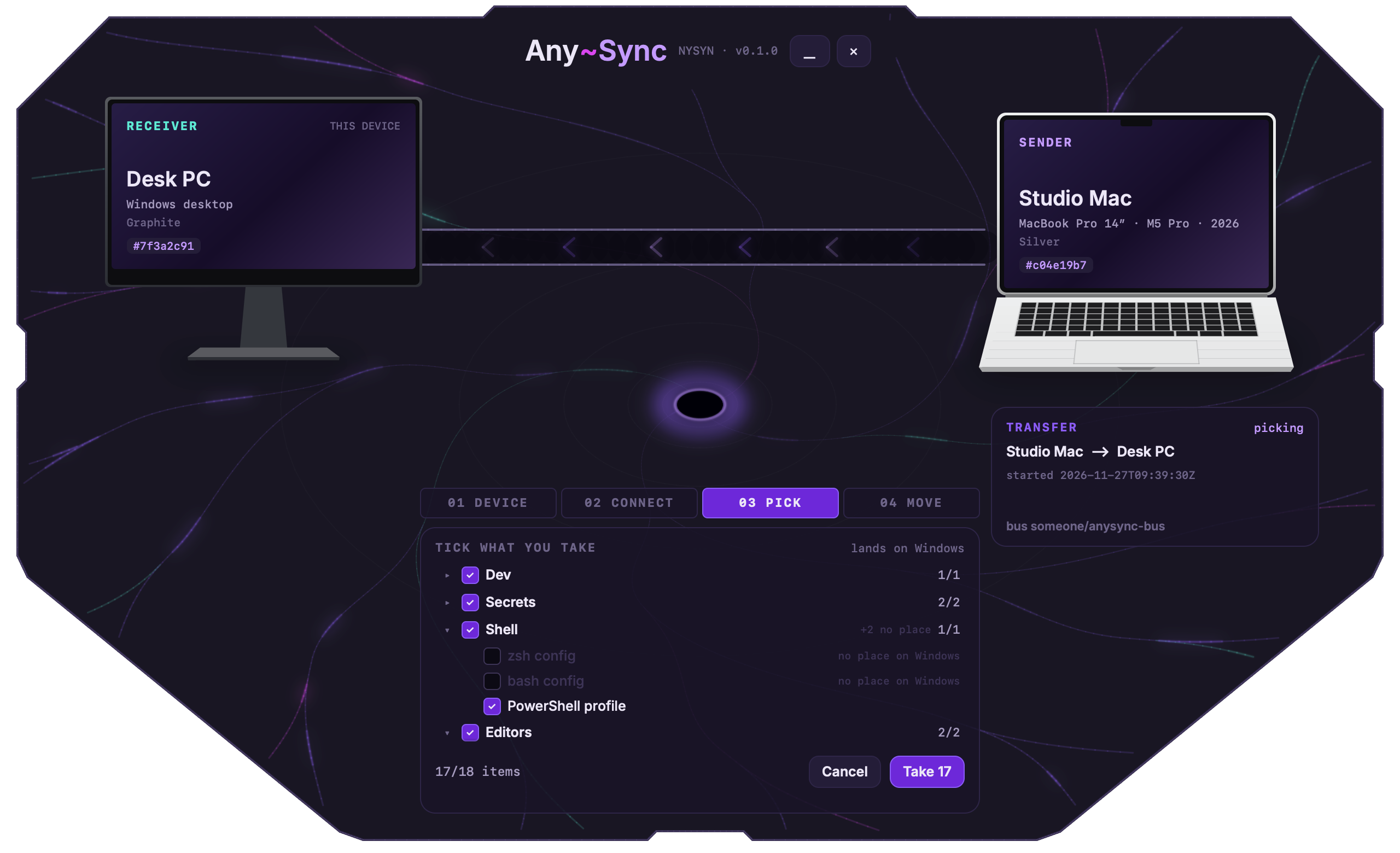
The devices on your account show up as Macs, PCs and Linux machines. Click one to pick it.
Choose to send or to receive. The other device asks its owner to approve.
The sender offers what it has; each item says where it lands, or that it has no place there.
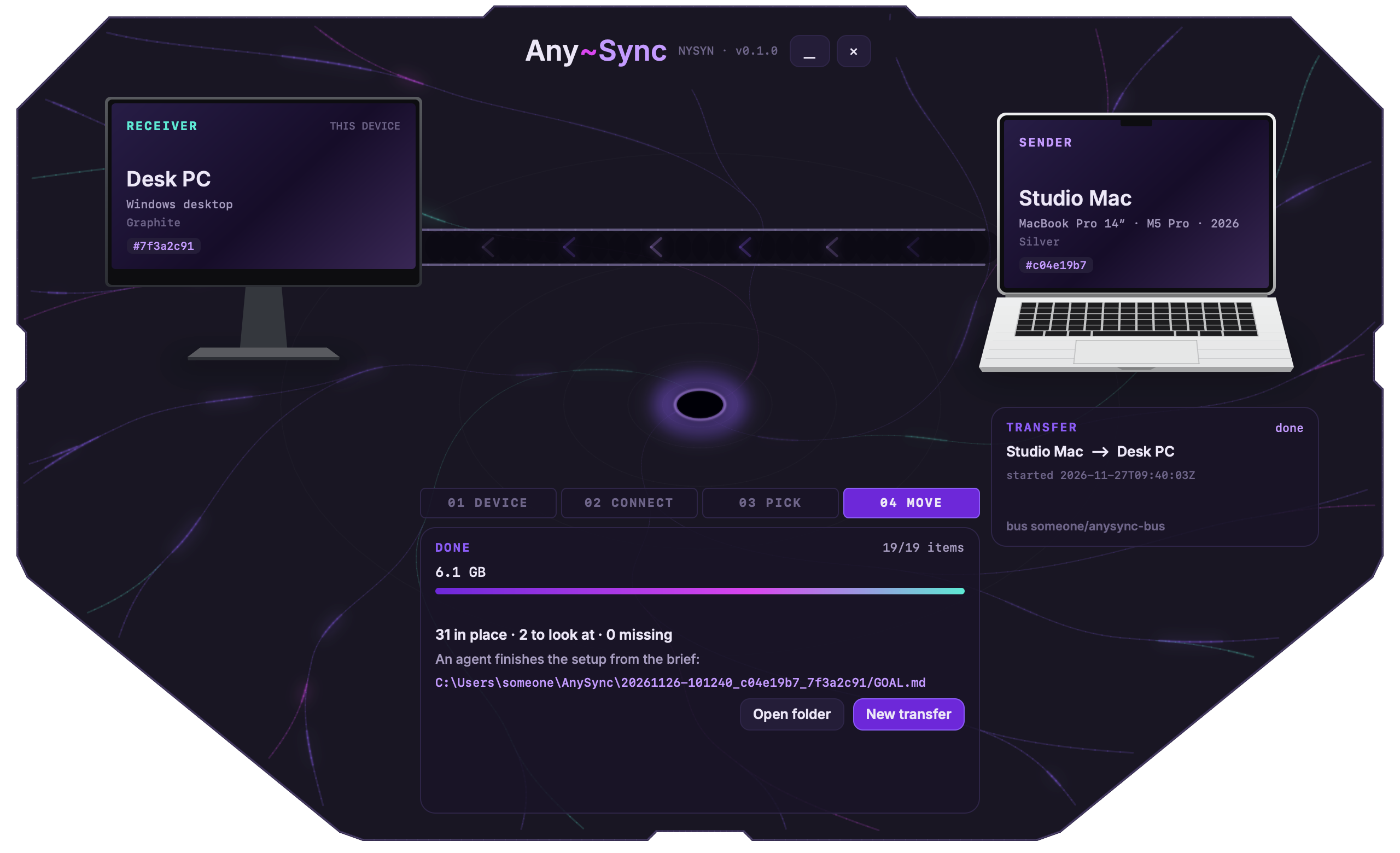
Only the picks travel, straight across and encrypted. A cut connection asks again for what is missing.
Each item lands in its place, and GOAL.md tells your AI agent what is left to do.
An item travels by name, not by the sender's paths.
| Item | macOS | Windows | Linux |
|---|---|---|---|
| VS Code settings | ~/Library/Application Support/Code/User | %APPDATA%\Code\User | ~/.config/Code/User |
| GnuPG | ~/.gnupg | %APPDATA%\gnupg | ~/.gnupg |
| Chrome bookmarks | ~/Library/Application Support/Google/Chrome | %LOCALAPPDATA%\Google\Chrome\User Data | ~/.config/google-chrome |
| PowerShell profile | ~/.config/powershell | ~/Documents/PowerShell | ~/.config/powershell |
| Videos | ~/Movies | %USERPROFILE%\Videos | ~/Videos |
Whatever was already in place is kept next to it as .before-anysync. Paths of the old home inside text configs are listed in the brief for the agent to rewrite, with separators changed when the systems differ.
One small app on every computer, the same window on all three systems.
macOS, Windows and Linux in any pair. No fixed sender: either side sends or receives, chosen per session.
VS Code's settings are one item that knows its folder on each system, so it lands where the new one keeps it.
The receiver sees what fits its own system and ticks what it wants. What has no place there says so.
Files go device to device over your network. GitHub only carries who is who and the sealed keys.
Offers, picks and keys are sealed to each device's own key; files stream under XChaCha20-Poly1305.
GOAL.md says what landed where, which paths to rewrite and which tools to install from the lists.
The device running the app is always on the left, the other on the right; the lines run from sender to receiver.


AnySync takes what still means something on the other system, and says plainly what it leaves behind.
node_modules, target and .venv, stay behind.you/anysync-bus/ # private ├── devices/ │ ├── 7f3a2c91.json # name, system, look, public key │ └── 5b21d0aa.json ├── requests/ # send or receive, to approve └── transfers/ └── 20261126-1605_7f3a2c91_5b21d0aa/ ├── session.json # progress ├── offer.sealed # what the sender offers ├── picks.sealed # what the receiver takes └── key.sealed # stream key and address
Same makers, same look. The native ones go deepest, since both ends share the same paths and settings; AnySync crosses between systems; WavySync keeps Wave Terminal in step.
The window and the command line are one program, anysync. On macOS and Linux: tar -xzf the download, then ./anysync; on Windows, run the .exe. It needs the GitHub CLI signed in (gh auth login). Older releases are on the releases page.
The builds are not signed. On macOS, run xattr -d com.apple.quarantine ./anysync once if it is blocked; on Windows, SmartScreen asks once: More info, then Run anyway. On Linux the window needs the usual X11 or Wayland libraries. There is no Intel Mac build yet.