Features

Everything Any~Sync does

One small Rust app on every computer that makes a new one, of any system, feel like your old one.

DEVICE

Each device draws itself

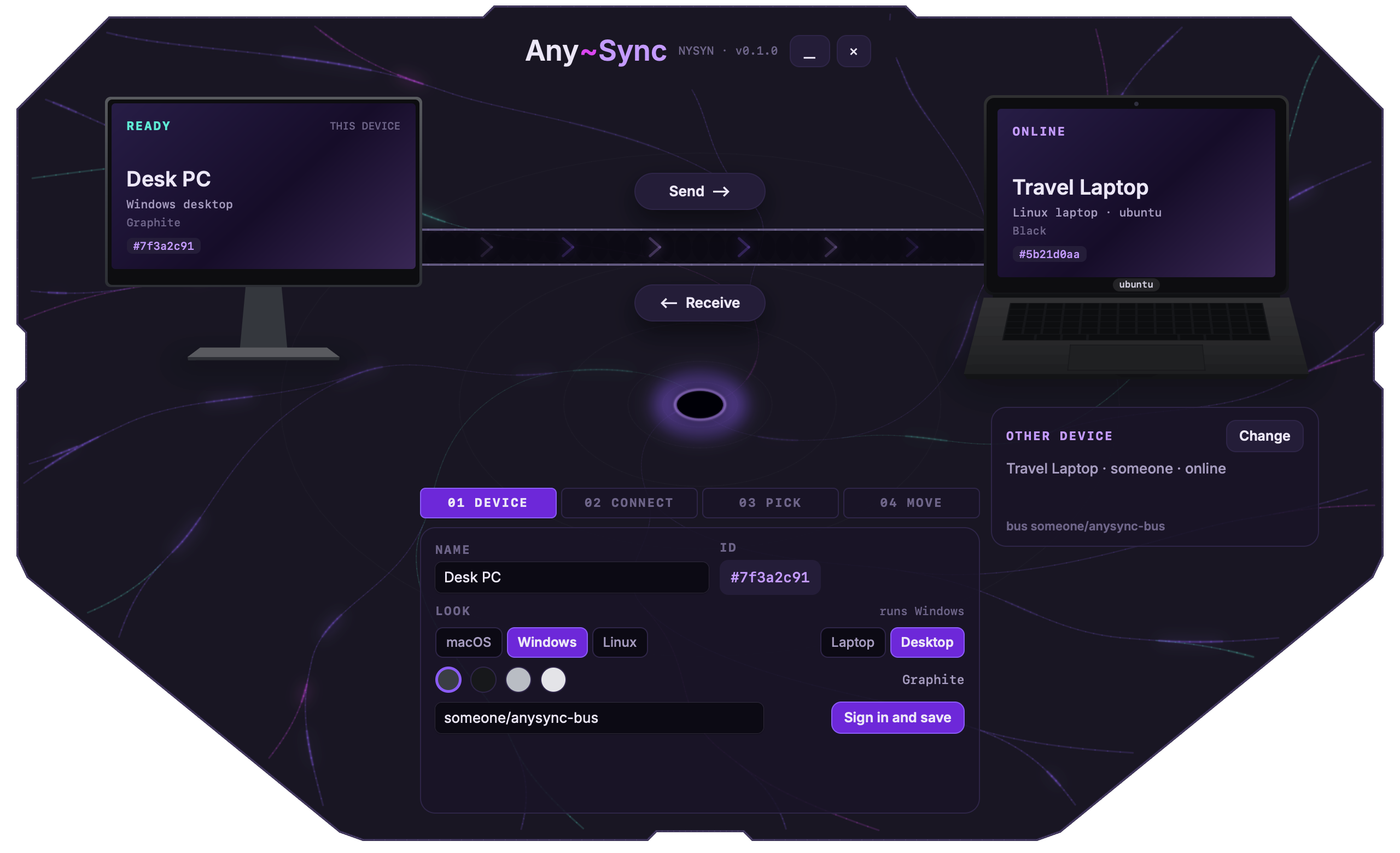
On the Device tab you name this computer and choose how it is drawn: a Mac model, a Windows desktop or laptop, or a Linux machine with its distro's name on a small badge. All drawings are original shapes, no company logos.
Each device draws itself
CONNECT

The devices on your account

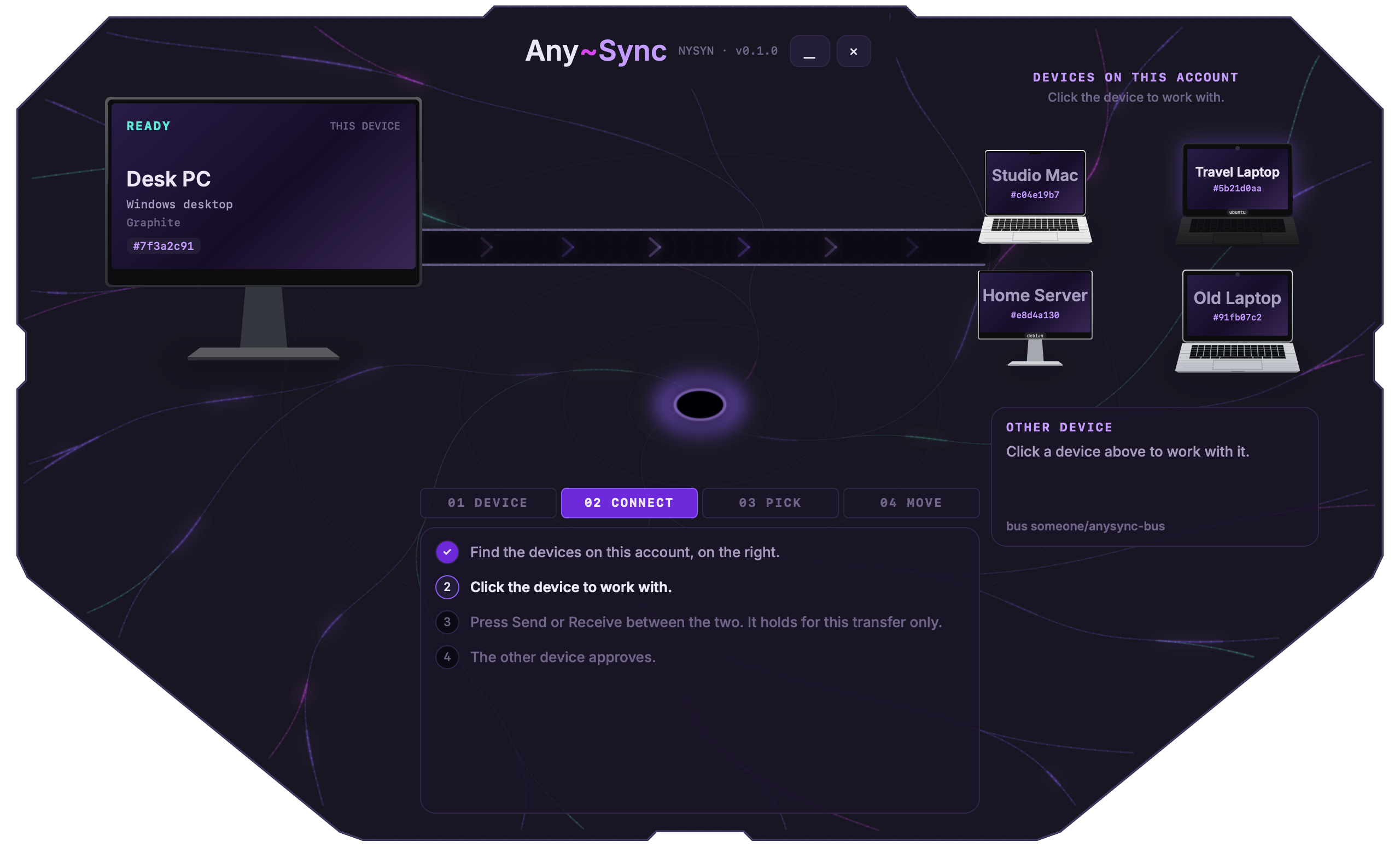
Find devices on this account lists every computer registered in your bus repo, whatever it runs. Pick one, choose to send or to receive, and the other device shows a request its owner approves or declines.
The devices on your account
PICK

Offered by what fits

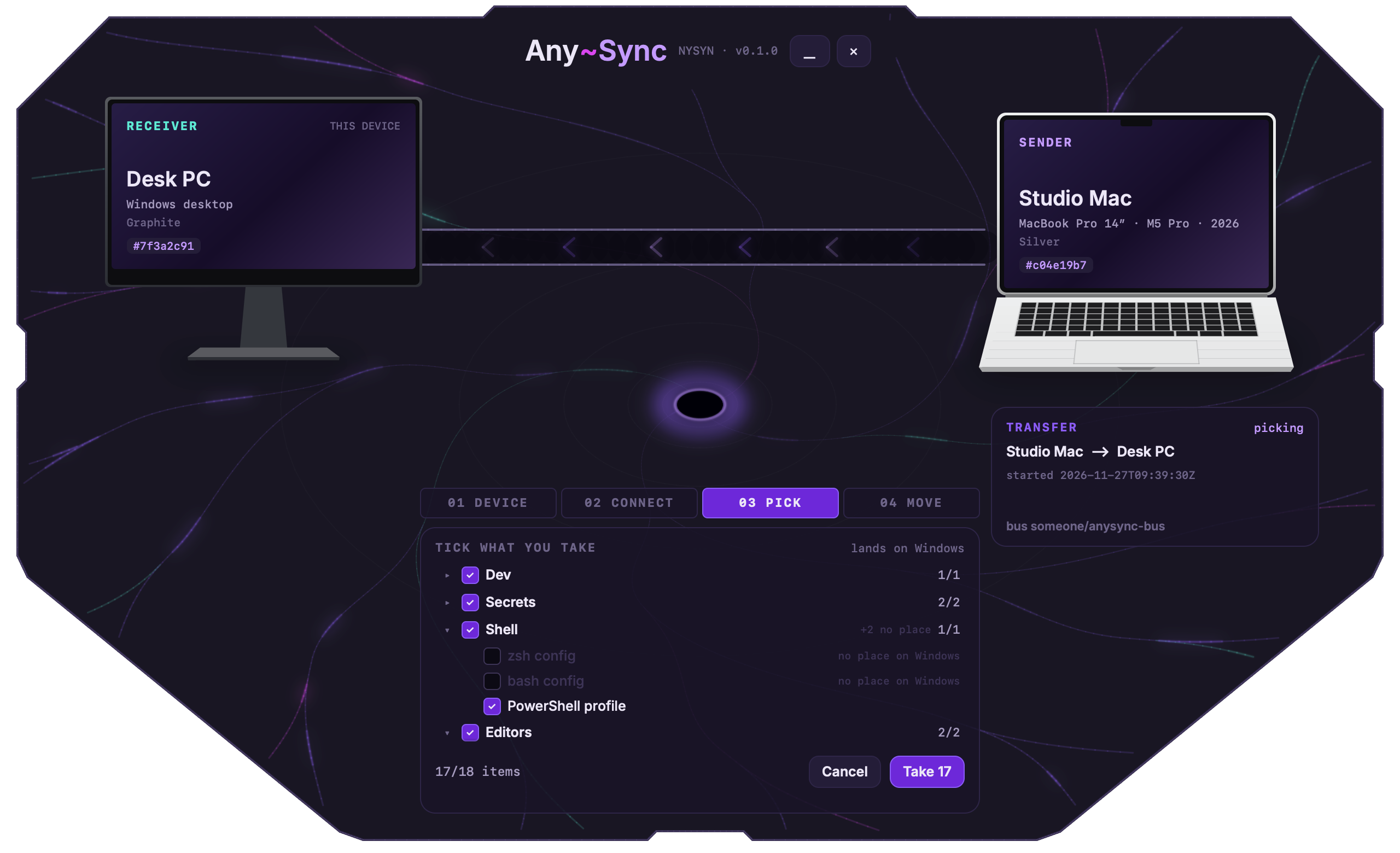
The sender scans what it has. The receiver sees it as a tree grouped by kind, and each item says where it lands on this system, or that it has no place here. Ticking a group ticks everything in it.
Offered by what fits
MOVE

Straight across, and it resumes

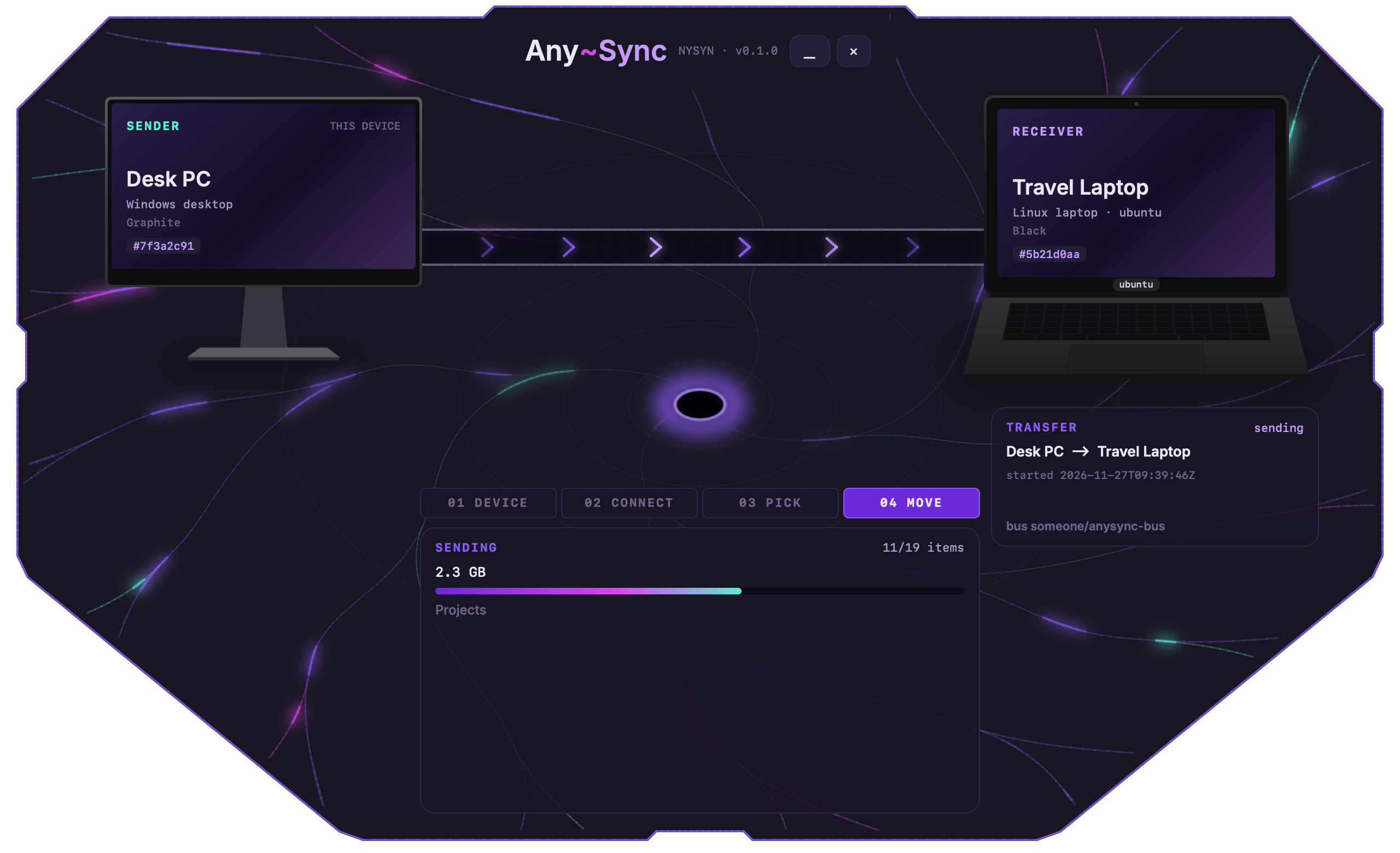
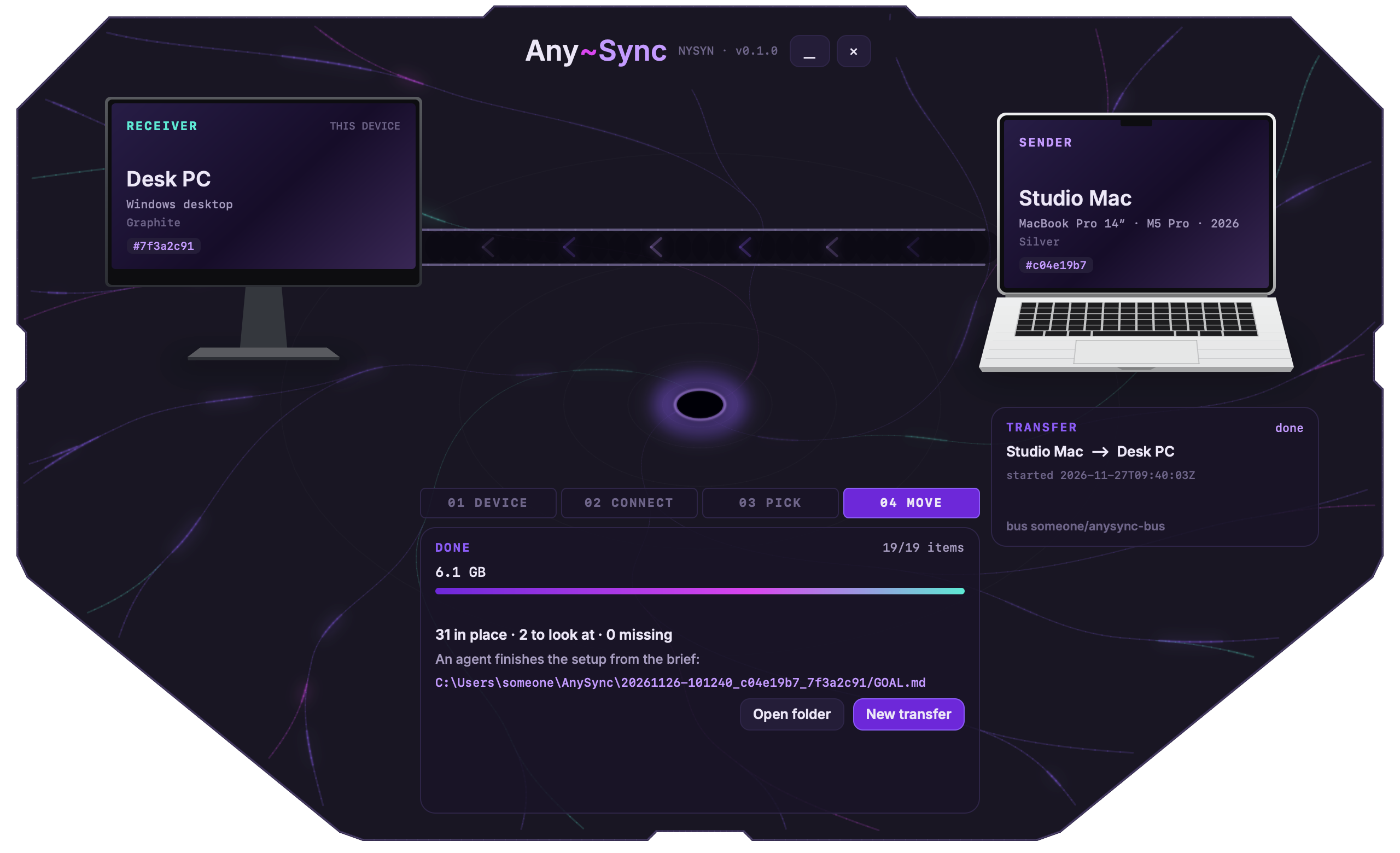
Only the picks travel, device to device over your network, as an authenticated XChaCha20-Poly1305 stream. A minute without a byte counts as a cut, and the receiver asks again for what has not arrived.
Straight across, and it resumes
BRIEF

A brief your agent can act on

Each item lands where this system keeps it, and what was there is kept as .before-anysync. Then the receiver writes GOAL.md: what landed where, the problems, the old home's paths to rewrite and the lists of tools to install. On a Mac it also writes a preflight script for Apple's command line tools, Homebrew and Node.
A brief your agent can act on
The catalogue

Everything it knows how to move

✓ means the item has a place on that system. An item is only offered when the receiver has one.

ItemmacOSWindowsLinux
Desktop, Documents, Downloads, Pictures, Music, Videos✓✓✓
Git config✓✓✓
SSH keys and config✓✓✓
GnuPG✓✓✓
zsh and bash config✓no place✓
PowerShell profile✓✓✓
VS Code, Cursor and Zed settings✓✓✓
Wave config✓✓✓
Obsidian vault list✓✓✓
Chrome, Brave, Edge and Chromium bookmarks✓✓✓
Claude Code settings, skills, agents, commands✓✓✓
Codex config✓✓✓

Lists of what is installed

Made on the sender by the system's own tools and sent as text; your agent installs from them on the other side.

ListMade onCommand
VS Code and Cursor extensionsall threecode --list-extensions
HomebrewmacOS, Linuxbrew bundle dump
winget, ScoopWindowswinget export, scoop export
apt, dnf, pacmanLinuxapt-mark showmanual, dnf repoquery --userinstalled, pacman -Qqe
Flatpak, SnapLinuxflatpak list --app, snap list
npm, cargo, pipxall threenpm ls -g, cargo install --list, pipx list